Customizable HubSpot CMS theme
A Flexible HubSpot CMS Theme Built for More Control
Build, customize and grow your website without depending on a developer for every change.
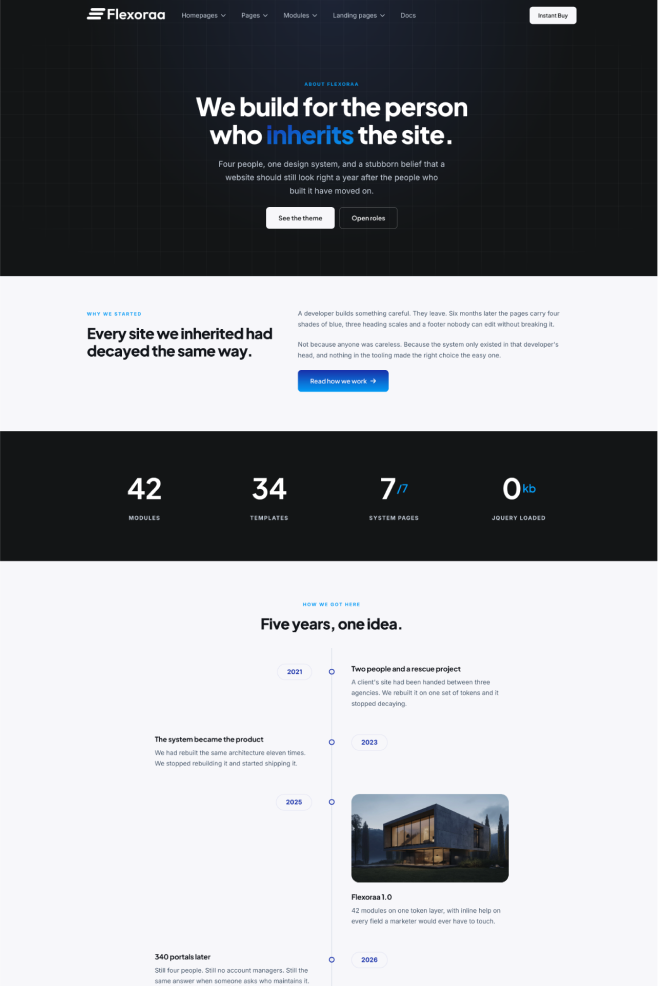
42
Modules, one design system
15
Website templates
7
4
Different design blog layout
Powerful controls, simple editing
Change spacing, type, layout and colour without touching code.
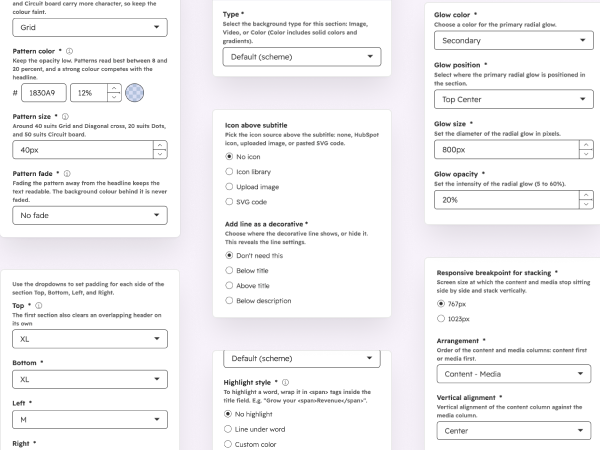
Sections are shaped by fields in the HubSpot page editor, not by a developer in a template file. Backgrounds, columns per breakpoint, spacing, dividers and typography are all settings you can see and change.
- 4,681 fields carry inline help explaining what they do
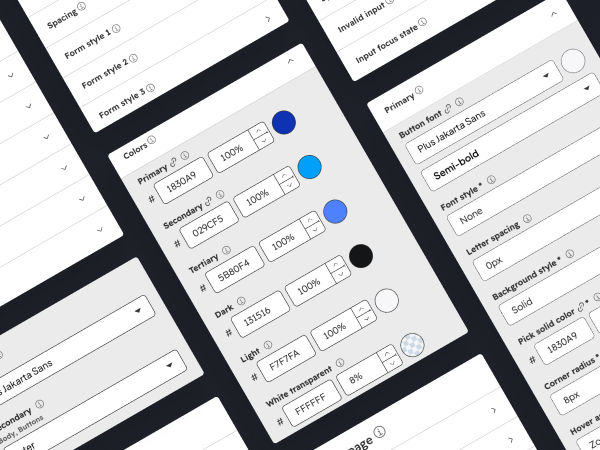
- Set your brand once and both colour schemes follow
- No prompt, no rebuild, no waiting on a queue
42 Modules
Fewer modules, far more control over each one.
Twenty variations of a hero are twenty things to learn, and they rarely include the arrangement your page needs. One module with real control over its layout covers them and the one they missed.
Eight of the 42, shown at default settings.
HubSpot website templates included
Every page a website actually needs, already built.
15 website page templates, a blog listing template with four blog post layouts, and all seven system page templates. Each ships populated with real content, so you start by editing rather than building.
Why Flexoraa
HubSpot theme or custom development?
A starter theme is quick but restrictive. Custom development is flexible but slow and developer-dependent. Both fail the same way: the website stops being something your own team can change.
A basic HubSpot theme
Quick to set up
Limited once you need something specific
You outgrow it and start again
A customizable HubSpot theme
Quick to set up, templates arrive populated
Deep control from the page editor
Low developer dependency day to day
Custom development
Maximum flexibility
Slower and more expensive to launch
Every change needs a developer
And why not just generate a site with AI?
For one page, you probably should. But generating a page and owning a website are different problems. Generated markup carries no shared design layer, so page two drifts from page one, your marketer edits it by going back to a prompt, and in eight months nobody remembers why it was built that way.
Who it is for
Built for marketers. Flexible for developers. Scalable for agencies.
In practice the same website is edited by all three, and a theme that serves only one pushes the other two into a queue. That queue is what makes websites go stale.
Edit your own pages
Build and change pages in the HubSpot editor without opening code or waiting on a developer for a copy change.
One foundation, many clients
A flexible base you shape per client rather than rebuilding the same architecture on every project, with documentation you can hand over.
A clean starting point
Reusable components on one token layer, so extending the theme does not mean fighting it.
How the module set was decided
Designed from 150+ real websites.
Before drawing a single module we studied more than 150 live websites across SaaS products, small to enterprise business, real estate, healthcare, education and finance, and combined that with five years of building on HubSpot.
- Sections that barely appeared were left out
- Settings nobody changed per page became global settings
- Five years of client builds decided the defaults
After you buy
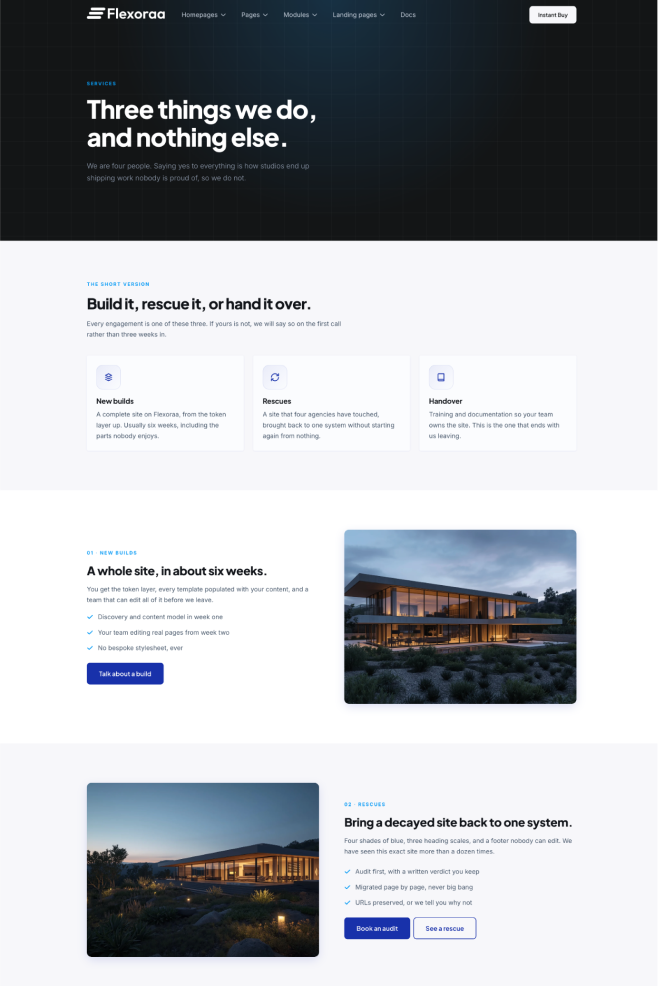
Need a layout the theme does not have? Ask for it.
No theme covers every layout a real project needs. Send the layout or element you are missing and we will tell you plainly whether it is feasible.
01
Send the request
One short form. A sketch, a screenshot or a link to a site doing it is enough.
02
We review it
Checked against the Flexoraa design system, the existing modules and the roadmap.
03
Feasibility decision
You get a yes, a no, or a different route to the same result. Always with the reason.
04
If feasible, we build it
It ships as a theme update, so you get it and so does everyone else. No bespoke fork of your portal.
What "feasible" means.
Requests are evaluated against the Flexoraa design system and roadmap. Things that extend an existing module, or add a layout that fits the token layer, are the ones that get built. This is not open-ended custom development, and a request that only makes sense for one portal is better served by custom work on top of the theme. We will say which it is.
Not ready to buy?
Get the Flexoraa preview.
Pricing
One price, one portal, no renewal.
Flexoraa HubSpot theme
$199
One Time.
One HubSpot Portal.
7-days Refund Policy.
- All Modules
- All Templates
- Theme Settings
- Updates while maintained
Updates for as long as the theme is maintained, with nothing to renew.
Before you buy
HubSpot theme questions, answered.
Can I customize this HubSpot theme without a developer?
Yes, for building and changing pages. Colour, typography and spacing come from global theme settings, sections are shaped by fields in the page editor, and 4,681 fields carry inline help explaining what they do.
What is included in the theme?
42 modules, 15 website page templates, 1 blog listing template with 4 blog post layouts, 7 system page templates, 3 form styles, and light and dark colour schemes. Every template ships populated with content.
Can I see the theme before buying?
The demo site is public and runs on the theme as shipped, with no bespoke CSS. What you see there is what you install.
What if the theme is missing a layout I need?
Send a request. It is reviewed against the Flexoraa design system and roadmap, and you get a yes, a no or a better route with the reason. If it is feasible we build it and ship it as an update to everyone. It is not open-ended custom development.
Will theme updates change my published pages?
No. New settings arrive with defaults chosen so nothing already published changes appearance, and the values stored on your pages stay yours.
What does one licence cover?
One HubSpot portal, unlimited pages, and updates for as long as the theme is maintained. Agencies building on several client portals should ask about multi-portal terms.
See the theme before you decide.
The demo site is Flexoraa, unmodified. Click through it, then come back if it fits how your team works.